
Onboarding a new employee's PC and accounts in a day
A new joiner often waits a week for a laptop, email and logins. A checklist that gets the PC, accounts and access ready in one day, and closes them at exit.
Part of the guide: Business challenges and how technology solves them
The short answer: onboarding takes a week when nobody owns it and every account is created on request. It takes a day when there is one checklist, one owner, a standard set-up for the PC, and as few separate logins as possible. Prepare before the joining date, not on it. And write the leaving checklist at the same time, because every account you create on day one is an account someone must close on the last day.
Why does a new joiner lose the first week?
Picture a 35-person logistics company hiring an operations executive, as an example. On Monday she arrives and there is no laptop, because nobody told the person who buys them. On Tuesday a spare laptop is found; it still has the previous user's files. Email is created on Wednesday. She is added to the chat groups on Thursday when someone notices she is missing from them. The HR tool, the shared drive and the accounting login each need a different person's approval. By Friday she has read a lot of PDFs.
The causes repeat in most small companies:
- No trigger. The offer is accepted and nothing starts until the person is standing in the office.
- No owner. HR thinks IT does it. There is no IT; there is an office manager with other work.
- Too many accounts. Each tool has its own login, created by hand.
- No standard PC. Every laptop is set up from memory.
- No record. Nobody writes down what was given, so nobody knows what to take back.
A slow start is the visible cost. The hidden one comes at exit: accounts that were never listed are never closed.
What goes on the checklist?
One page, in four blocks. Adapt the rows to your tools.
| Block | Items | When |
|---|---|---|
| Before joining | Laptop allotted and wiped; employee record created; work email created; reporting manager named | Three days before |
| Day one, morning | Sign-in to the PC; sign-in to email and chat; added to the right groups; policies read and signed | By lunch |
| Day one, afternoon | Access to role tools granted by the manager; first task assigned; a buddy named | By evening |
| Recorded | Laptop serial number, every account created, every access given | Same day |
The last row is the one that pays you back. It is the leaving checklist written in advance.
How do you make it happen in a day, step by step?
1. Name one owner. One person runs the checklist for every joiner. In a small company that is usually the office manager or HR.
2. Start the clock at acceptance. The day the offer is accepted, the owner gets the name, role, manager and joining date.
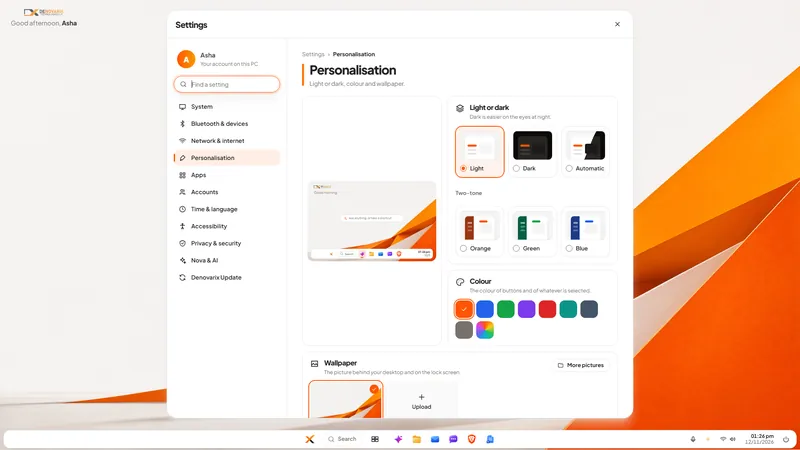
3. Keep a standard PC. Decide what every company laptop has: the operating system, the office apps, mail, chat, and disk encryption on. With DNX OS, those come with the system: the office suite, mail, team chat and the HR app are parts of it, full-disk encryption is offered at install, and updates install automatically from signed sources. There is less to add by hand.
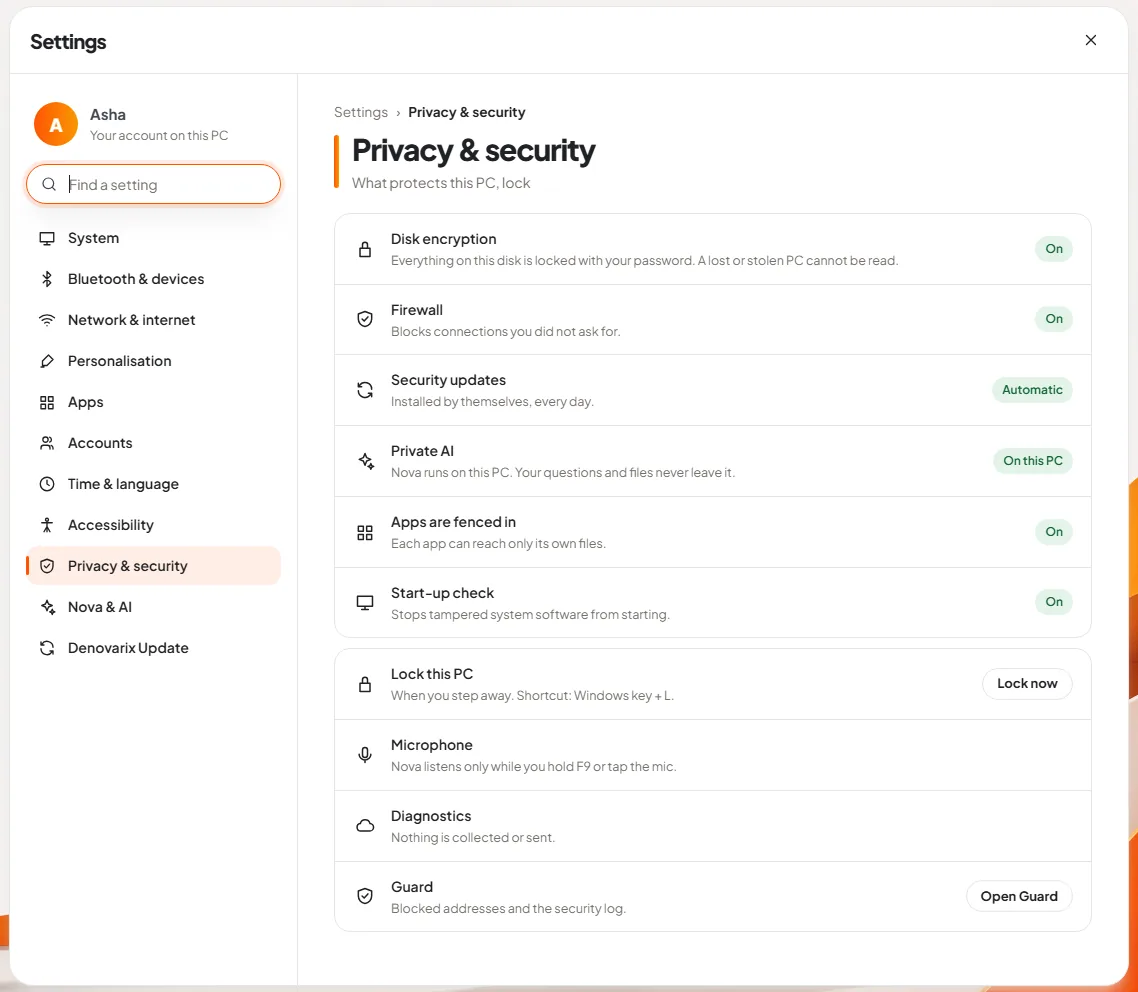
4. Reduce the number of logins. Each separate account is a separate task on day one and a separate risk at exit. On DNX Hub one sign-in covers team chat, the HR app and meetings: the new person enters their work email and receives a code.
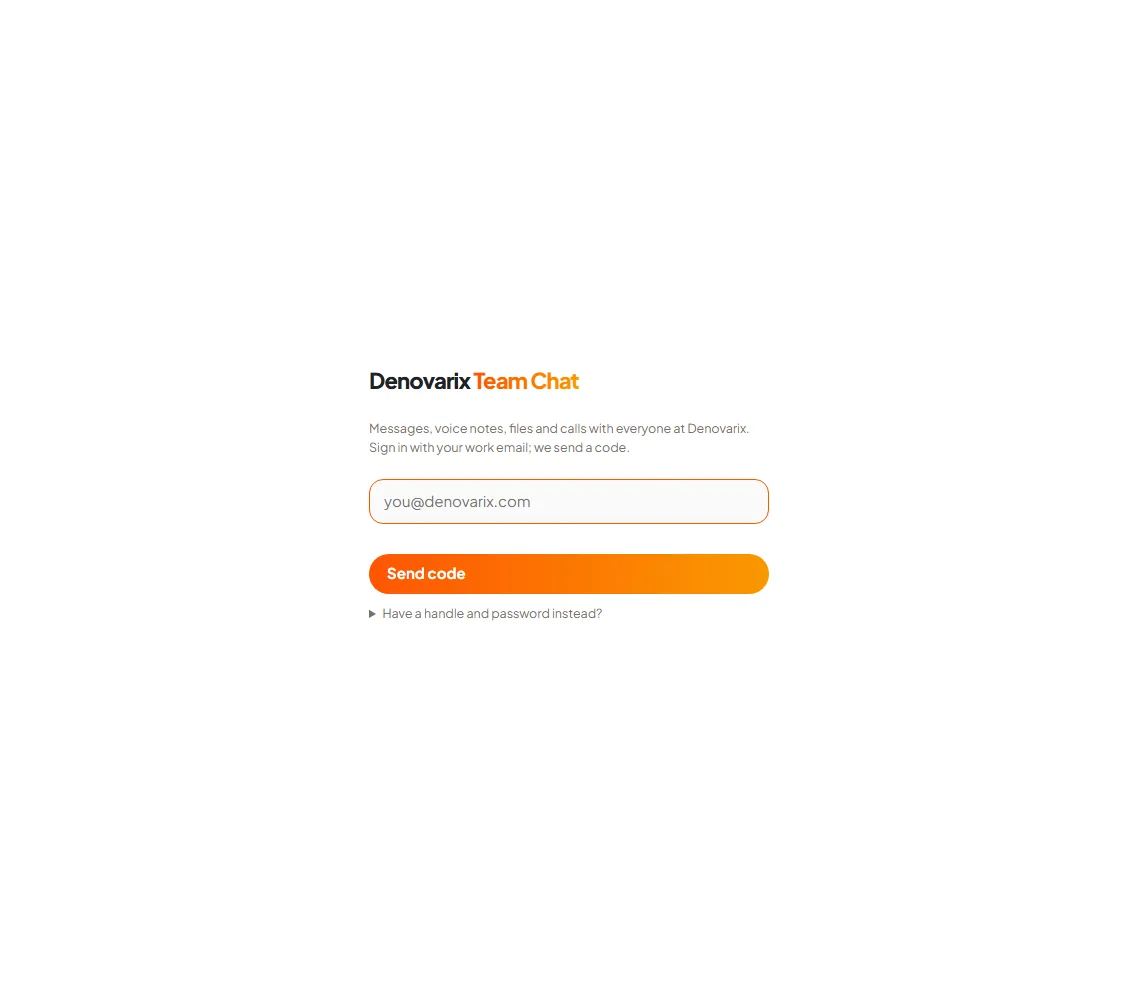
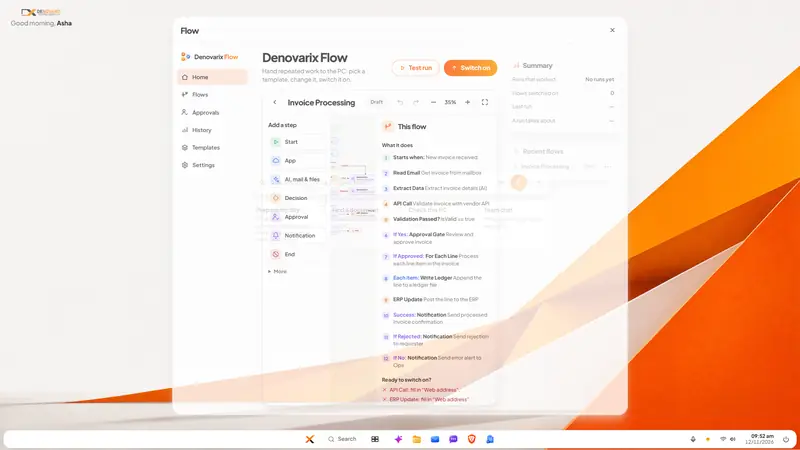
5. Turn the checklist into a flow. A checklist on paper depends on memory. DNX Flow has a ready template called Employee Onboarding, described as "create accounts, access and setup", in nine steps. Like every template it is a starting point: you get your own copy as a draft, fill in your details, test it, and switch it on. Where a step needs a manager's yes, the flow waits on the Approvals page.
6. Let HR records start on day one. The employee record, joining date and reporting manager go into the HR system before the person arrives, so that leave balances, attendance and the first payslip are right. DNX Hub's HR list includes offers and onboarding, and policies with sign-off.
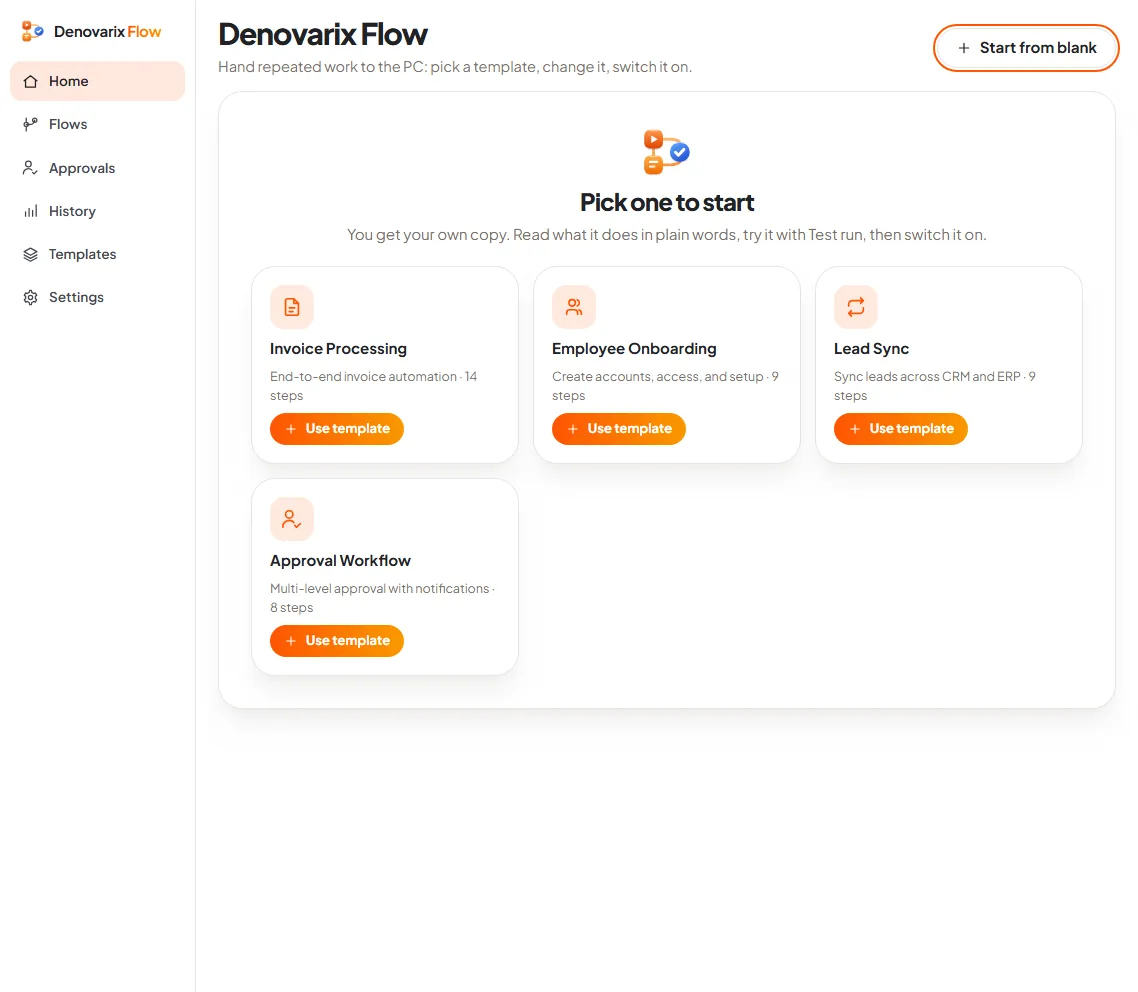
7. Check the laptop before handing it over. Encryption on, updates done, firewall on, previous user's data gone. DNX Guard checks these on a DNX OS computer and says what needs attention in plain words.
8. Write the exit steps now. For each row on the joining list, the matching closing step: account closed, groups left, laptop returned and wiped.
What does it cost in effort?
- Writing the checklist: half a day, once, with whoever currently does each piece.
- A spare, ready laptop. One prepared machine in the cupboard removes the commonest delay. That is a purchase, not a setting.
- About an hour per joiner for the owner, once the list exists.
- Discipline at exit. The list only helps if someone runs it backwards on the last day.
What can go wrong?
- Access is granted "like the last person". Copying a colleague's access copies their accumulated permissions. Grant by role.
- The old user's files are still on the laptop. Reinstall or wipe between users, every time.
- Shared logins. A shared password cannot be withdrawn from one person. One account per person.
- The template is trusted untested. An onboarding flow that creates accounts in other systems works only where those systems allow it and their details are filled in. Test it with a pretend joiner first.
- Specialist software is forgotten. If the role needs a Windows-only package, check that before choosing the machine. The article on the DNX OS desktop says plainly that such software is the thing to check.
- Phones are ignored. If the person will use company chat on a phone, decide whether that is a company or personal device, and what happens to it at exit. DNX Workspace, a managed work profile for Android, is in beta.
Where do you start?
Write down, from memory, every account your last joiner was given. If it takes more than five minutes, or the list is longer than eight items, you have found the problem. Related articles are collected in the guides to business challenges and operating systems for companies.
DNX OS is in beta from December 2026 and launches in January 2027. If you are a registered Indian business with 5 to 50 people, apply for the beta and set up your next joiner on it.
Keep reading

Staff using public AI with company data: what to do
Your staff already paste contracts and customer data into public AI tools. A six-step plan to find out, set rules, and give them a safer tool they will use.
Invoices stuck in approval: how to fix the queue
Supplier invoices wait for days because the approval rule lives in people's heads. Write the rule down, give it one queue and automate the chasing. Steps here.

Attendance and leave on WhatsApp: how to move off
Attendance in a register and leave approved on WhatsApp work until salary day. How a small Indian company moves both into one system, step by step, in a month.