
Staff using public AI with company data: what to do
Your staff already paste contracts and customer data into public AI tools. A six-step plan to find out, set rules, and give them a safer tool they will use.
Part of the guide: Business challenges and how technology solves them

The short answer: assume it is already happening, and do not start with a ban. Find out what people use AI for, sort the work into what may go to an outside tool and what may not, give staff an approved tool for the second kind that is as easy as the public one, and keep a named person responsible for every output. The lasting fix is to put a capable assistant where the data already is, so that the question "may I paste this?" stops arising.
How do you know it is happening in your company?
You probably do not, which is the point. Take a 28-person recruitment firm, as an example. A recruiter pastes a candidate's CV into a public chatbot to get a summary. An account manager pastes a client's contract to find the notice period. The owner's assistant pastes last month's billing sheet to draft a collections email. Each used a personal account on a free tool, from a work laptop or their own phone.
They are not being careless. They are being efficient with the only tool they have. But the firm has now sent candidates' personal data and a client's contract to a service it has no agreement with, cannot audit, and did not choose.
The risks, without exaggeration:
- Disclosure you are answerable for. Sending personal data to an outside service is processing under the DPDP framework, whoever pressed the button.
- Breach of client terms. Many contracts forbid sharing the client's information with third parties.
- No record. Nobody can say afterwards what was shared.
- Wrong answers used as facts. A fluent summary that misses a clause.
Our article on shadow AI covers the policy side in full, with a one-page policy to adopt. This article is the implementation.
What should you do first, a ban or a tool?
A tool. A ban without an alternative teaches people to hide what they do, and you lose the one thing you most need, which is knowing. The order that works is: ask, sort, provide, then restrict.
How do you fix it, step by step?
1. Ask, with an amnesty. In a team meeting or a short form: which AI tools do you use for work, and for what? Say clearly that nobody is in trouble. You want the list of tasks.
2. Sort the tasks, not the tools. Put each task in one of two columns.
| May use an outside AI tool | Must stay inside the company |
|---|---|
| Rewriting public marketing text | Anything with a customer's or candidate's personal data |
| General research on a public subject | Contracts, quotations and client documents |
| Learning how to do something in a spreadsheet | Salary, HR and medical information |
| Drafting a generic template | Financial statements and bank details |
| Passwords, keys and source code |
3. Provide a tool for the right-hand column. This is the step that changes behaviour. There are three options, in increasing order of control: a business plan from a cloud AI vendor with contractual limits on how your data is used; an AI hosted on your own server; or an assistant that runs on each employee's own computer. Our comparison of on-device AI and cloud AI sets out the trade-offs honestly, including where the large cloud models are simply better.
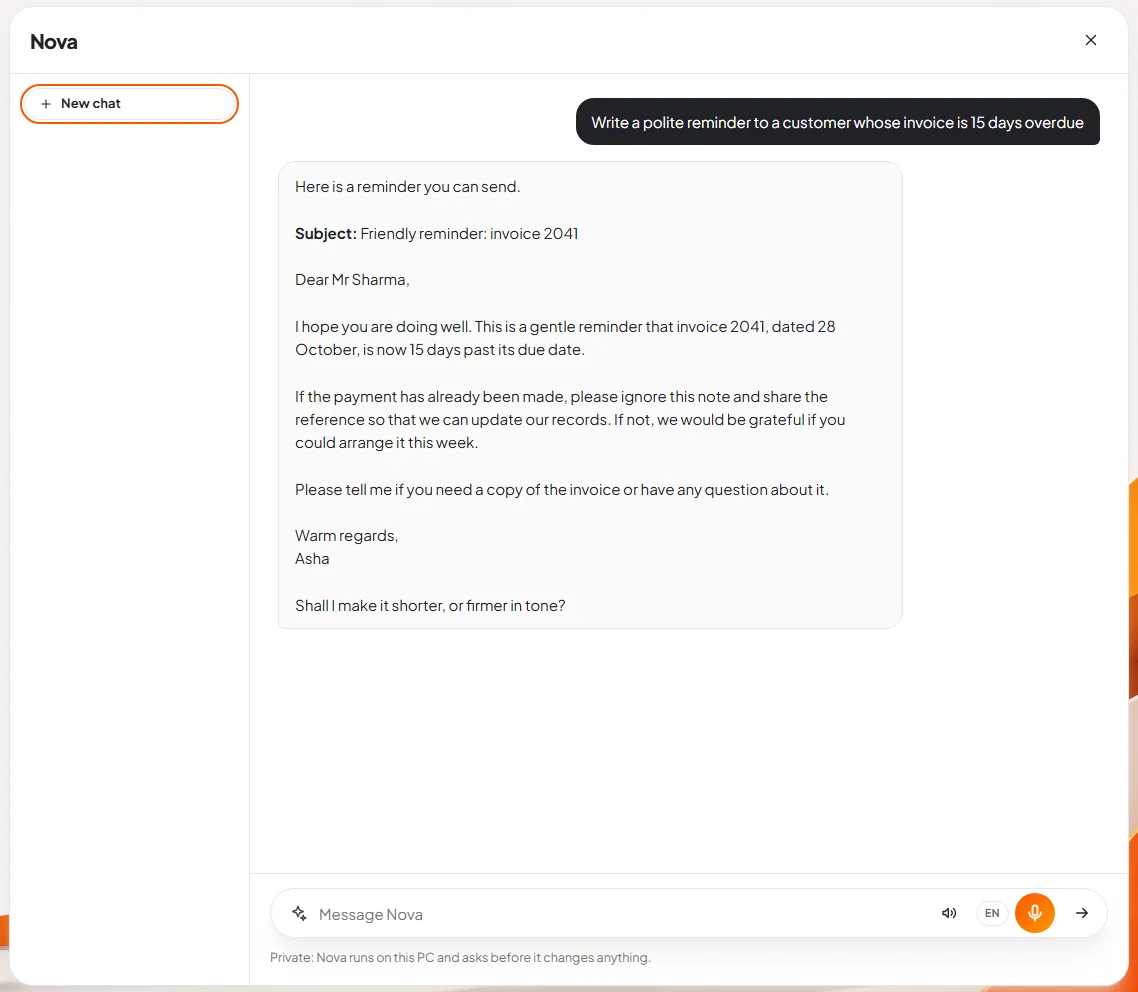
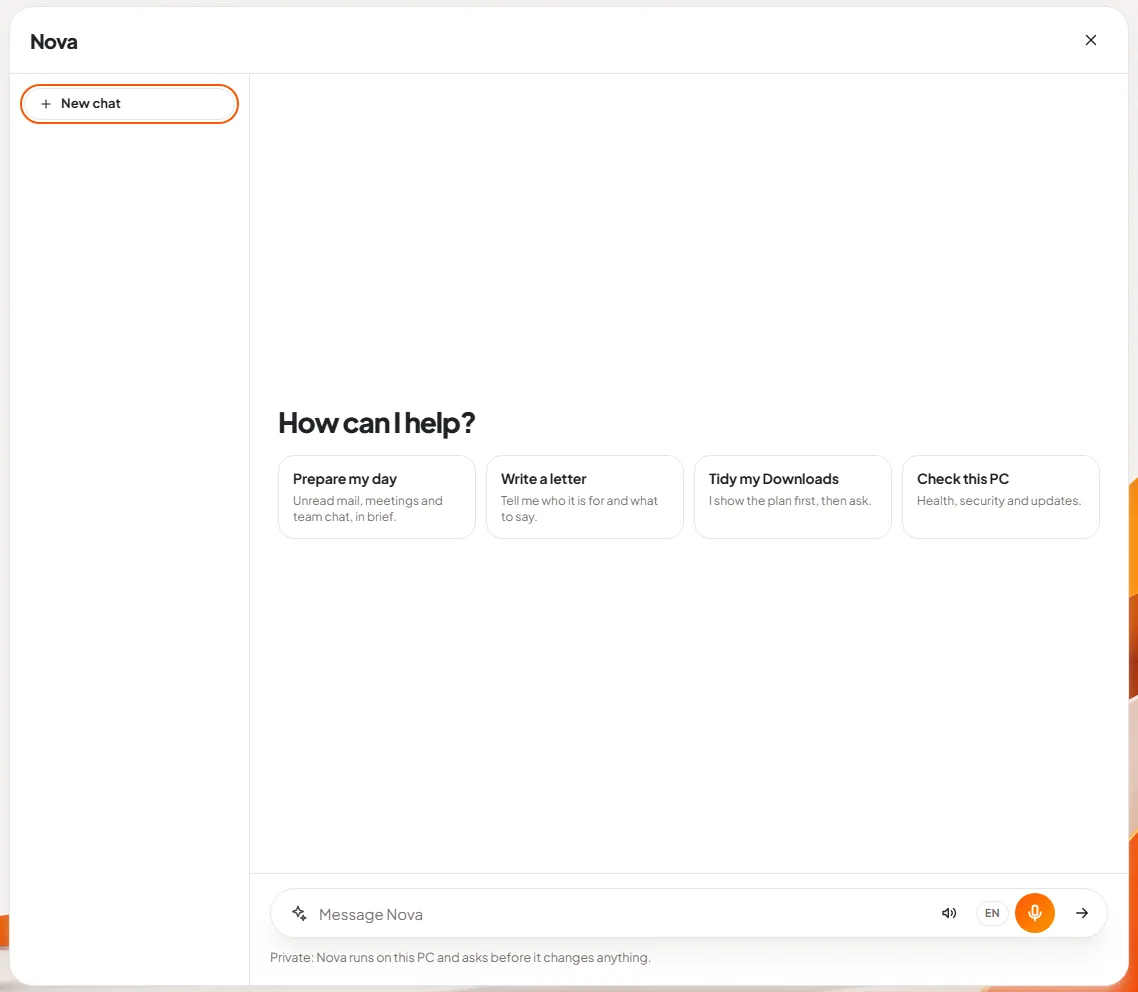
4. Put it where the work is. An approved tool that needs a separate login and a copy-paste will lose to the public one. In DNX OS the assistant, Nova, is in the desktop's ask bar and inside Files, Mail, Meetings and Guard.
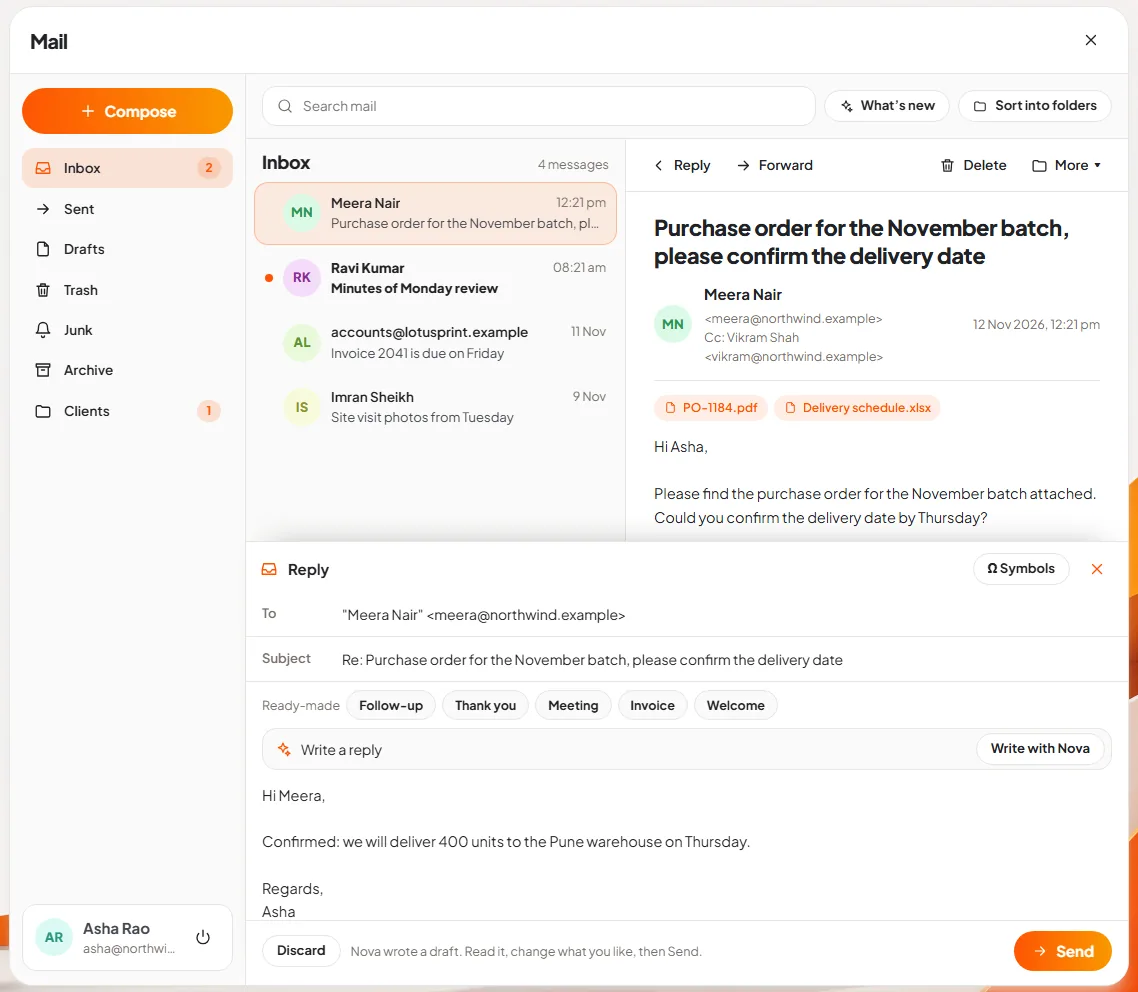
5. Keep a person responsible. Whatever the tool, the rule is the same: the person who sends the email or files the document answers for it. In DNX Mail, a reply drafted by Nova carries a note asking the person to read it before sending.
6. Then restrict, and review. Once the approved tool exists, state the rule: right-hand column work goes only through it. Review the two columns every quarter, because the tools and the tasks change.
Why does on-device AI change the problem?
Because it removes the disclosure instead of policing it. If the assistant runs on the employee's own laptop and its AI service has no network access, pasting a salary sheet into it sends that sheet nowhere. That is how Nova works in DNX OS: it runs on the PC's own processor, each AI service is sandboxed with no network access, and it asks before it changes anything.
The honest limits belong here too. Nova runs small models on an ordinary processor. For everyday office work such as drafting, summarising and tidying, that is the right size; for a long research report on an unfamiliar subject, a very large cloud model will do better. Answers take seconds, longer on an older machine. So most companies will still allow an outside tool for the left-hand column.
What does it cost in effort?
- The survey and the two columns: a morning.
- Choosing the approved tool: this is the real decision, and it may involve money or a change of system.
- A short session for staff, with examples from their own work, on which column a task belongs to.
- A quarterly half-hour to review.
What can go wrong?
- The approved tool is worse at the job. If it cannot do what people need, they return to the public one. Test it on the real tasks from step 1 before announcing anything.
- The rule is too long. People remember two columns. They do not remember six pages.
- Managers exempt themselves. The contract the director pastes is as sensitive as the one the trainee pastes.
- Phones are overlooked. Blocking a website on office PCs does nothing about a personal phone. The rule and the alternative matter more than the block.
- Output is trusted because it is local. A private assistant can still be wrong. The responsible person still reads it.
- Agents are switched on too early. An assistant that acts, not only answers, needs approval rules first. See AI agents at work.
What should you do next?
Run step 1 this week; it costs nothing. The wider subject is covered in the guide to private and on-device AI for business, and the other everyday problems in business challenges.
DNX OS is in beta from December 2026 and launches in January 2027; registered Indian businesses with 5 to 50 people can apply for the beta and test Nova on their own tasks. If you need AI connected to your existing systems with single sign-on and audit trails, that is the secure AI work Denovarix does as client projects, and you can reach us here.
Keep reading
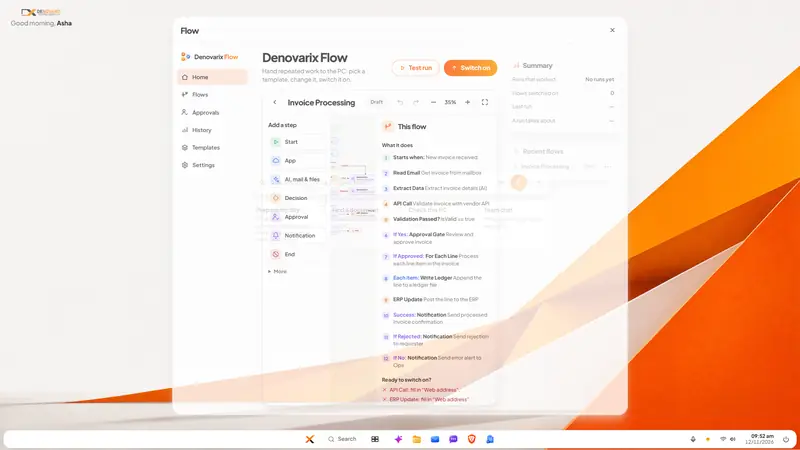
Invoices stuck in approval: how to fix the queue
Supplier invoices wait for days because the approval rule lives in people's heads. Write the rule down, give it one queue and automate the chasing. Steps here.

Attendance and leave on WhatsApp: how to move off
Attendance in a register and leave approved on WhatsApp work until salary day. How a small Indian company moves both into one system, step by step, in a month.
Same data typed into ERP, CRM and Excel: how to stop
When an order is typed into the CRM, the ERP and a spreadsheet, errors and delay follow. How to connect legacy systems one field at a time, and keep them.