
Client documents scattered across laptops: a fix
Contracts and client files end up on personal laptops, email and pen drives. A plain plan to bring them to one home, protect the devices and keep it that way.
Part of the guide: Business challenges and how technology solves them
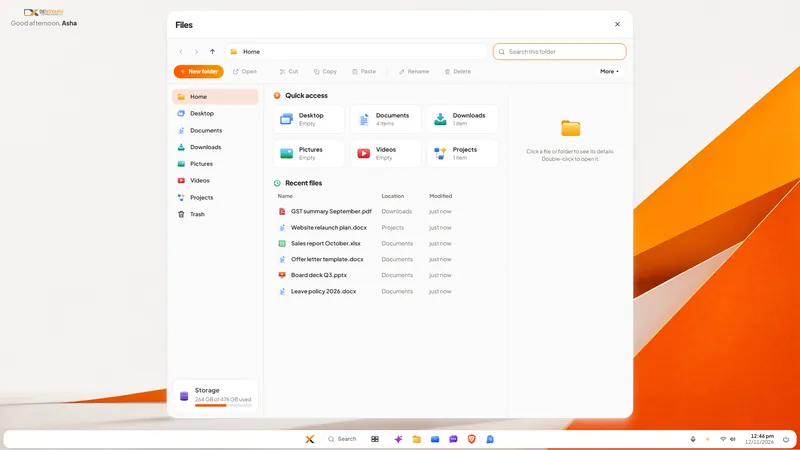
The short answer: client documents scatter because saving a file where you happen to be is always the easiest thing to do. You cannot fix that with a memo. Give documents one obvious home with a folder pattern nobody has to think about, make company work happen on company devices that are encrypted, collect what is already out there once, and close the routes that lead back to personal laptops. Expect a month of effort and a permanent small habit.
How do client documents end up everywhere?
Imagine a 15-person chartered accountancy practice, as an example. An article assistant downloads a client's bank statements to her own laptop because the office PC was busy. A partner edits an engagement letter at home and emails it to himself. A scanned PAN card sits in a WhatsApp chat. Last year's working papers are on a pen drive in a drawer, and the final version of a report exists in three places with three names.
No one meant any harm. Each step saved a few minutes. The firm now cannot answer simple questions:
- Where is the latest version?
- Who has a copy of this client's data?
- What leaves with an employee who resigns?
- What was on the laptop that was lost on the train?
The last two matter under the law as well as in practice. A company is answerable for the personal data it holds wherever the copies are. Our DPDP Act checklist starts with exactly this map.
What should the target look like?
Four rules, short enough to remember:
- One home. Every client document lives in the firm's folders, on the firm's machines.
- One pattern. Client name, then year, then type of work. The same for every client.
- Company devices only. Client files are not saved on a personal laptop or phone.
- Sharing leaves a trail. A file sent to a colleague goes through the company's own channel, not a personal messaging app.
Notice that none of these names a product. They work on any operating system. The steps below show them on DNX OS because those are the screens we can publish.
How do you get there, step by step?
1. Draw the map. Ask every person to list where they have client files: laptop, phone, personal email, pen drives, cloud drives. Promise that this is a clean-up and not an inquiry, or you will not get honest answers.
2. Create the folder pattern before moving anything. In DNX Files, the file manager in DNX OS, a new folder is two clicks, and quick access keeps Documents and Projects one click away.
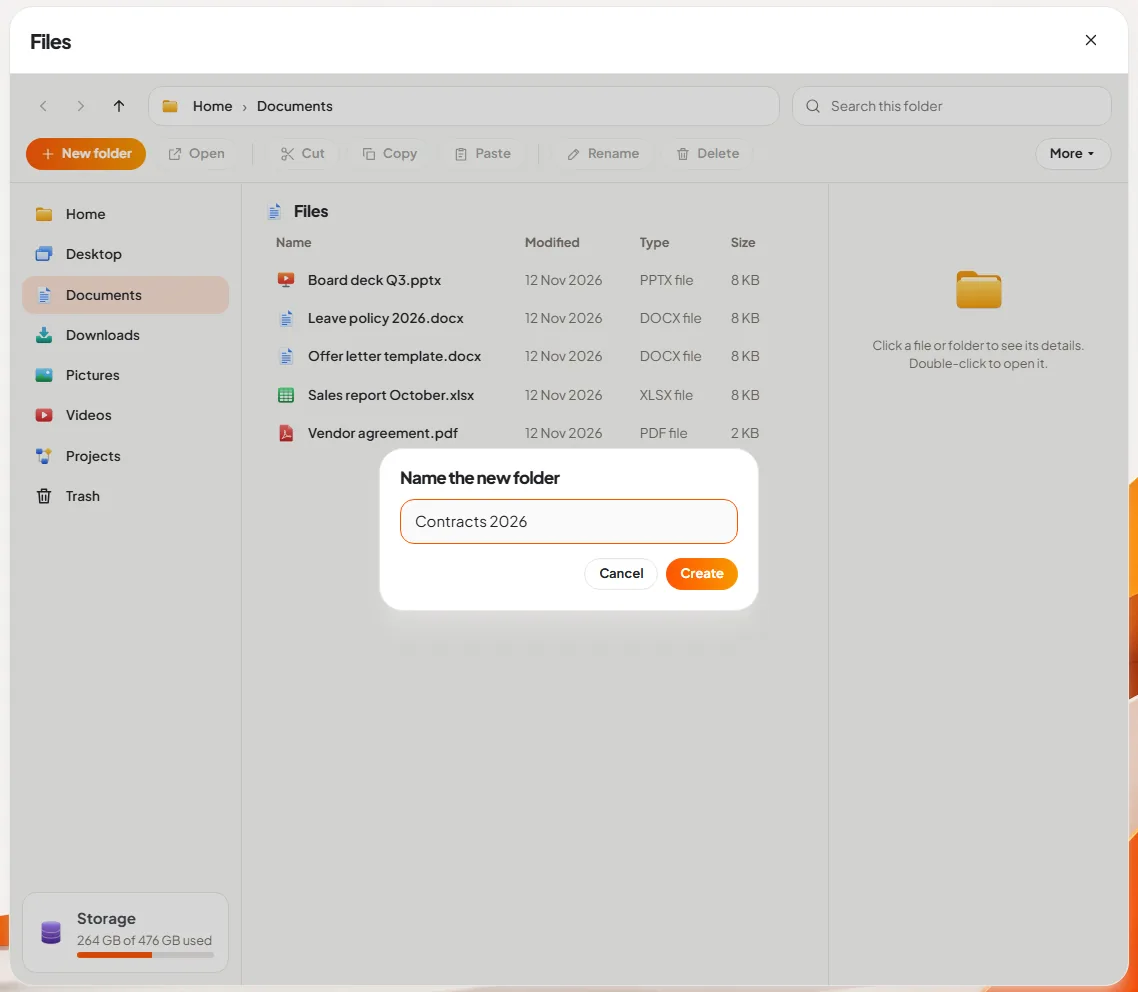
3. Collect. Give the team one week to move every client file into the pattern and delete the stray copy. Sit with the two or three people who have the most.
4. Tidy what arrives in a mess. Downloads folders are the usual pile. In DNX Files, the assistant can summarise a document so you know what it is without opening it, and can tidy a folder, on the PC itself.
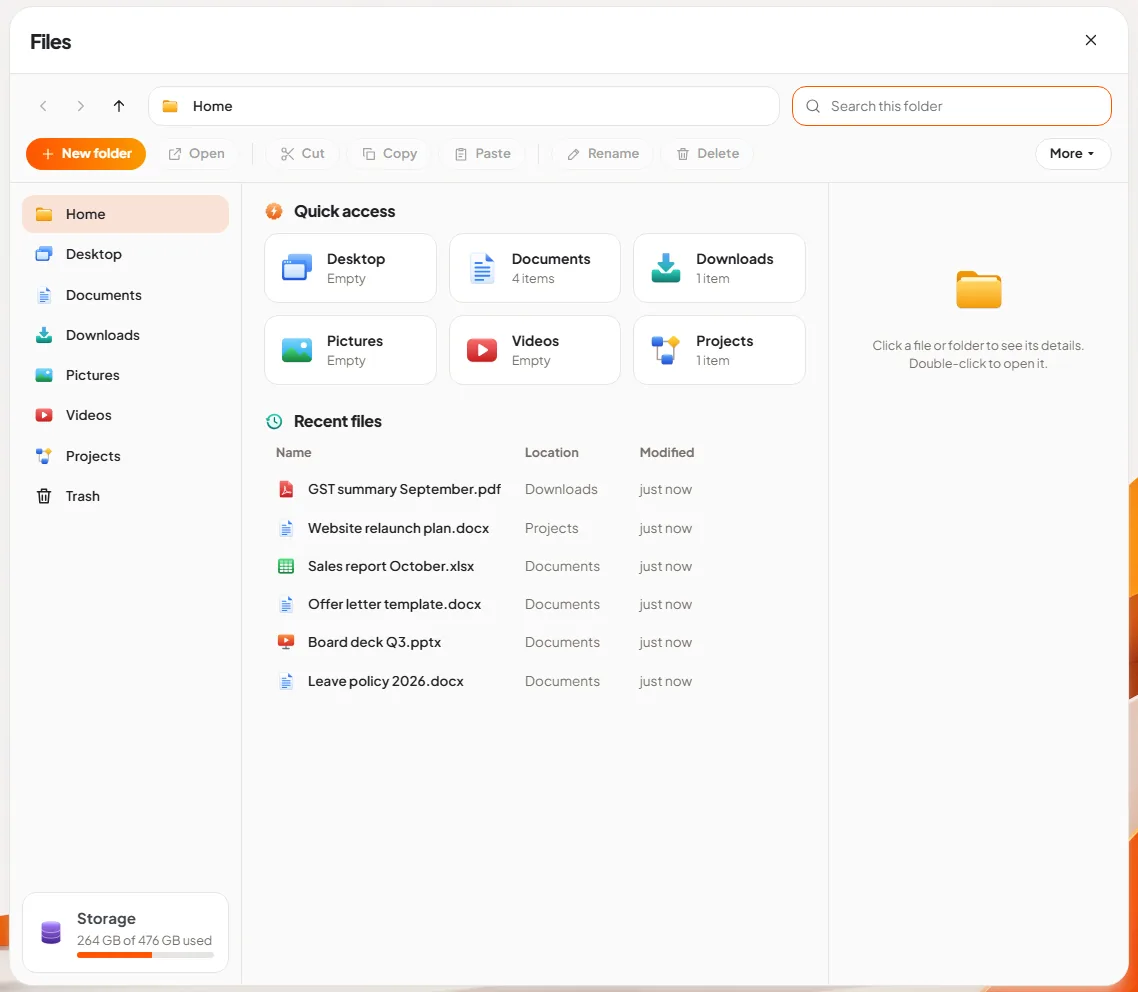
5. Encrypt every company laptop. If a device is lost, an encrypted disk cannot be read. In DNX OS full-disk encryption is offered when the system is installed. On other systems, switch it on and store the recovery key. See disk encryption and device management, for owners.
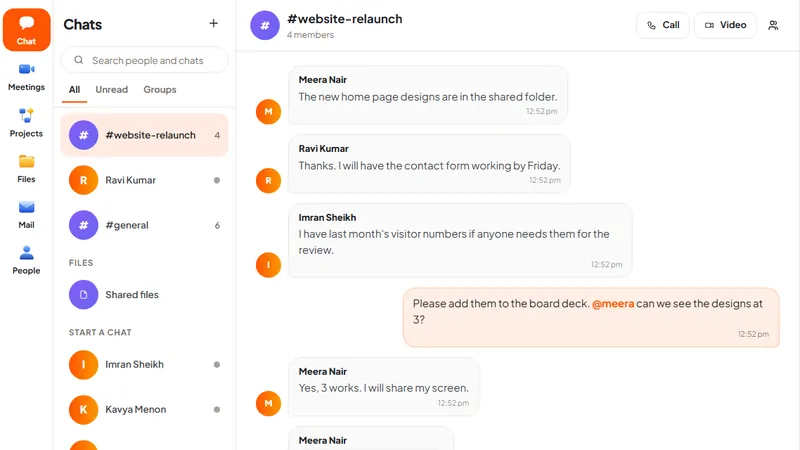
6. Give people a proper way to share. If the only quick way to send a file is a personal app, that is what will be used. In DNX Team Chat a file sent in a conversation is kept in that chat's shared files, on a server the company hosts.
7. Make deletion safe. People keep private copies because they fear losing work. A Trash that can be undone removes some of that fear.
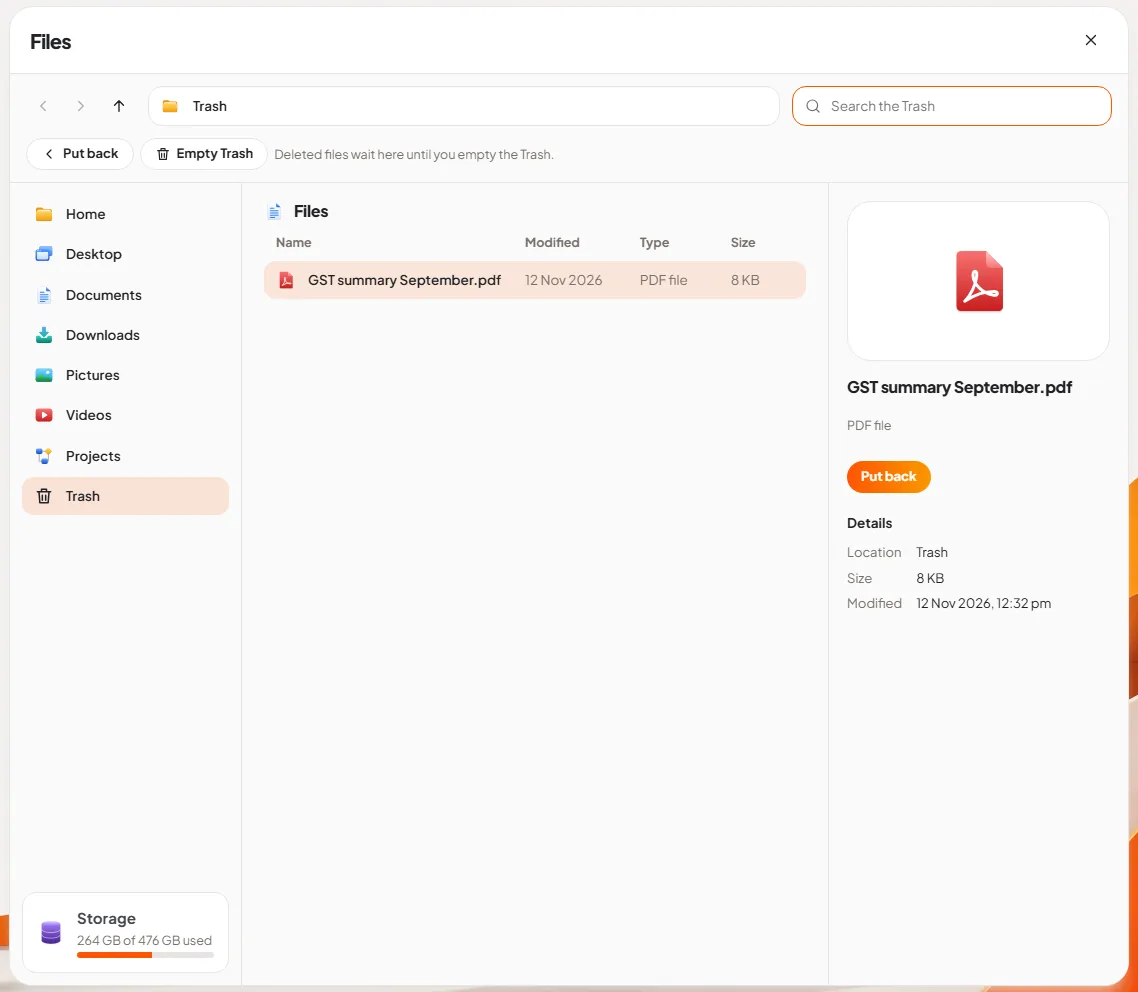
8. Write the leaving step. On an employee's last day: account closed, company laptop returned, and a signed line that no client files remain on personal devices.
What does it cost in effort?
- The map: an hour per person, and an uncomfortable conversation or two.
- The collection week: real time from everyone, most from the people who have worked there longest.
- Company devices: if some staff have only personal laptops, this is where money is needed. There is no software substitute for it.
- The habit: a monthly five-minute check by one person of whether new clients have folders in the pattern.
What can go wrong?
- The home is slower than the shortcut. If the firm's folders are hard to reach from home, people will email files to themselves again. Solve remote access before you forbid the workaround.
- The pattern is too clever. Five levels of folders will be ignored. Three is enough.
- Search disappoints. Know your tool's limits. Search in DNX Files filters by file name; it does not read the text inside documents. A consistent naming pattern matters more because of that.
- One PC is not a shared drive. DNX Files, as pictured in its article, is about files on the computer itself, and team sharing happens through chat. If your firm needs a central document store with permissions for each client, plan that as its own piece of work.
- Backups are forgotten. One home is also one place to lose. Decide who backs it up, where to, and who tests a restore.
- Old copies survive. The pen drive in the drawer and the ex-employee's email. Accept that the first clean-up will not find everything, and repeat it in six months.
Where does DNX OS fit?
DNX OS gives each desk the file manager shown above, an encrypted disk offered at install, an assistant that reads documents without sending them anywhere, and a company chat for passing files that keeps them on your own hub. DNX Guard shows whether a PC's disk encryption and updates are in order, and the hub's Fleet page lists the company's computers. It does not replace the four rules. It makes them the easy path.
The beta programme opens in December 2026 and the launch is in January 2027. If you are a registered Indian business with 5 to 50 people, apply for the beta and try the collection week on DNX OS machines. The guide to business challenges and how technology solves them lists the related articles.
Keep reading

No numbers until month-end: how owners can fix it
Many owners see sales, receivables and cash only when the accountant closes the month. How to get five trusted numbers every week, and how to check each one.
Branches on WhatsApp groups: moving to company chat
A team spread across branches runs on consumer chat apps and personal numbers. What that risks, and how to move to a company chat in four weeks, step by step.
Onboarding a new employee's PC and accounts in a day
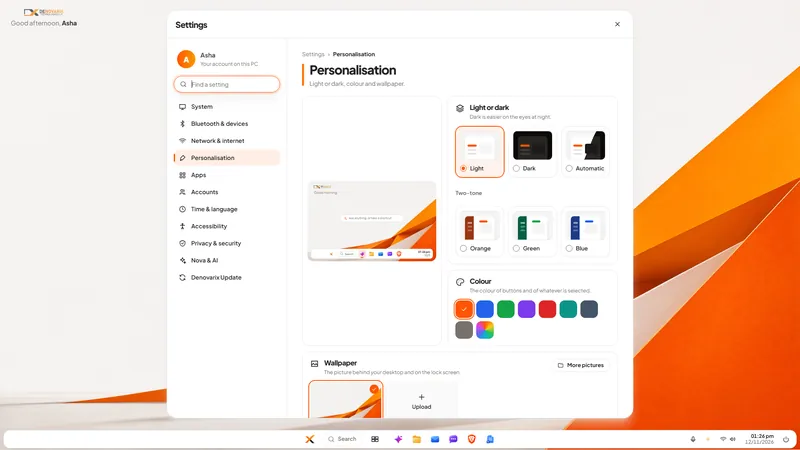
A new joiner often waits a week for a laptop, email and logins. A checklist that gets the PC, accounts and access ready in one day, and closes them at exit.