
Windows 10 support has ended: what to do with old PCs
Windows 10 support ended on 14 October 2025. What that means for a company in 2026, what paid updates cost, and five options for office PCs that cannot upgrade.
Part of the guide: Operating systems for companies: what to run in 2026

The short answer: Microsoft ended support for Windows 10 on 14 October 2025. The PCs still work, but they no longer receive security fixes unless you pay for Extended Security Updates, which for organisations cost US$61 per device for the first year, double each year, and stop after three years. A company in late 2026 has five real options for each old PC: upgrade it, pay to buy time, replace it, give it a different operating system, or retire it properly. The worst option is the common one: doing nothing.
What exactly ended, and when?
Microsoft's own page states it plainly: "On October 14, 2025, Windows 10 support ended", and Microsoft "no longer provides software updates, security fixes, or technical assistance to Windows 10 PCs".
Nothing switched off on that day. A Windows 10 computer starts, opens files and prints as before. What stopped is the monthly stream of fixes for newly found security holes. Every month since then, the gap between what attackers know and what an unpatched PC is protected against has grown a little wider.
Is it risky to keep using Windows 10 in an office?
Yes, and the risk grows with time, not all at once.
An unsupported PC that is used for email and web browsing is the easiest machine in the building to break into, and one compromised machine is usually enough to reach shared folders and saved passwords. There is also a business side. Clients, banks, insurers and auditors increasingly ask whether your systems are supported and patched, and "we run an operating system that stopped receiving fixes last year" is a difficult answer to defend after an incident.
Why can many PCs not simply move to Windows 11?
Because Windows 11 has hardware requirements that older machines do not meet. Microsoft lists the minimum as a compatible 64-bit processor of 1 GHz or faster with two or more cores, 4 GB of RAM, 64 GB of storage, UEFI firmware that is Secure Boot capable, and "Trusted Platform Module (TPM) version 2.0".
In practice it is usually the processor generation or the TPM that fails an older machine, even when it is fast enough for office work. Microsoft's free PC Health Check tool tells you, machine by machine, whether a PC qualifies. Run it on every computer before you decide anything. You may find that half your "old" PCs are eligible for a free upgrade and only need an afternoon.
What do Extended Security Updates cost?
Extended Security Updates (ESU) are Microsoft's paid way of continuing to receive critical and important security fixes on Windows 10. The facts, from Microsoft's documentation:
| Question | Answer for organisations |
|---|---|
| Price | US$61 per device for Year One |
| Later years | "The price doubles every consecutive year, for a maximum of three years" |
| Joining late | You pay for the missed years too, because "ESUs are cumulative" |
| What you get | Security updates only. No new features, and technical support is not included |
| Requirement | The device must be on Windows 10 version 22H2 |
| Discount | About 25% less (US$45 for Year One) for devices managed through Microsoft's cloud management tools |
Doubling each year means roughly US$61, then US$122, then US$244 per device if you stay for all three years. Microsoft states the first figure and the doubling rule; the later figures are our arithmetic. We have not seen official rupee pricing, so ask your licensing partner for a quote.
There is also a consumer programme, for personal PCs, which Microsoft's page says runs "through October 12, 2027". It is not meant for company machines, and PCs joined to a company domain or device management are not eligible for it. Do not plan an office around it.
What are the options for each old PC?
Sort your computers into groups and choose per group.
1. Upgrade the ones that qualify. If PC Health Check passes a machine, upgrade it to Windows 11. It costs time, not money.
2. Pay for ESU where you must. For the PC tied to an old accounting package, a machine controller or a lab instrument, buy a year while you plan the replacement of the software, not just the PC.
3. Replace the ones that are truly worn out. A ten-year-old machine with a failing disk is not worth rescuing with any operating system. Budget replacements over two or three quarters instead of one painful purchase.
4. Give capable hardware a different operating system. This is the option most companies overlook. A PC that fails the Windows 11 check is very often a perfectly good computer: a decent processor, 8 GB of RAM, a solid-state disk. Office work, meaning documents, spreadsheets, email, browsing, chat and video calls, does not need Windows specifically. It needs a supported, patched operating system with the right apps. The question to settle first is whether any software on that desk exists only for Windows.
5. Retire the rest properly. See the section on disposal below.
Where does DNX OS fit?
Honestly stated: DNX OS is one candidate for option 4, and it is not available to buy today. Its beta programme opens in December 2026 and it launches in January 2027.
It is a standalone operating system for businesses, and it runs on ordinary 64-bit Intel and AMD PCs with 4 GB of RAM as the minimum and 8 GB recommended, with no graphics card needed. It includes an office suite that opens and saves Word, Excel and PowerPoint files, mail, team chat, HR and a private AI assistant. For a desk that does general office work, that covers the day. For a desk that depends on Windows-only software, it does not, and you should keep that machine on a supported Windows.
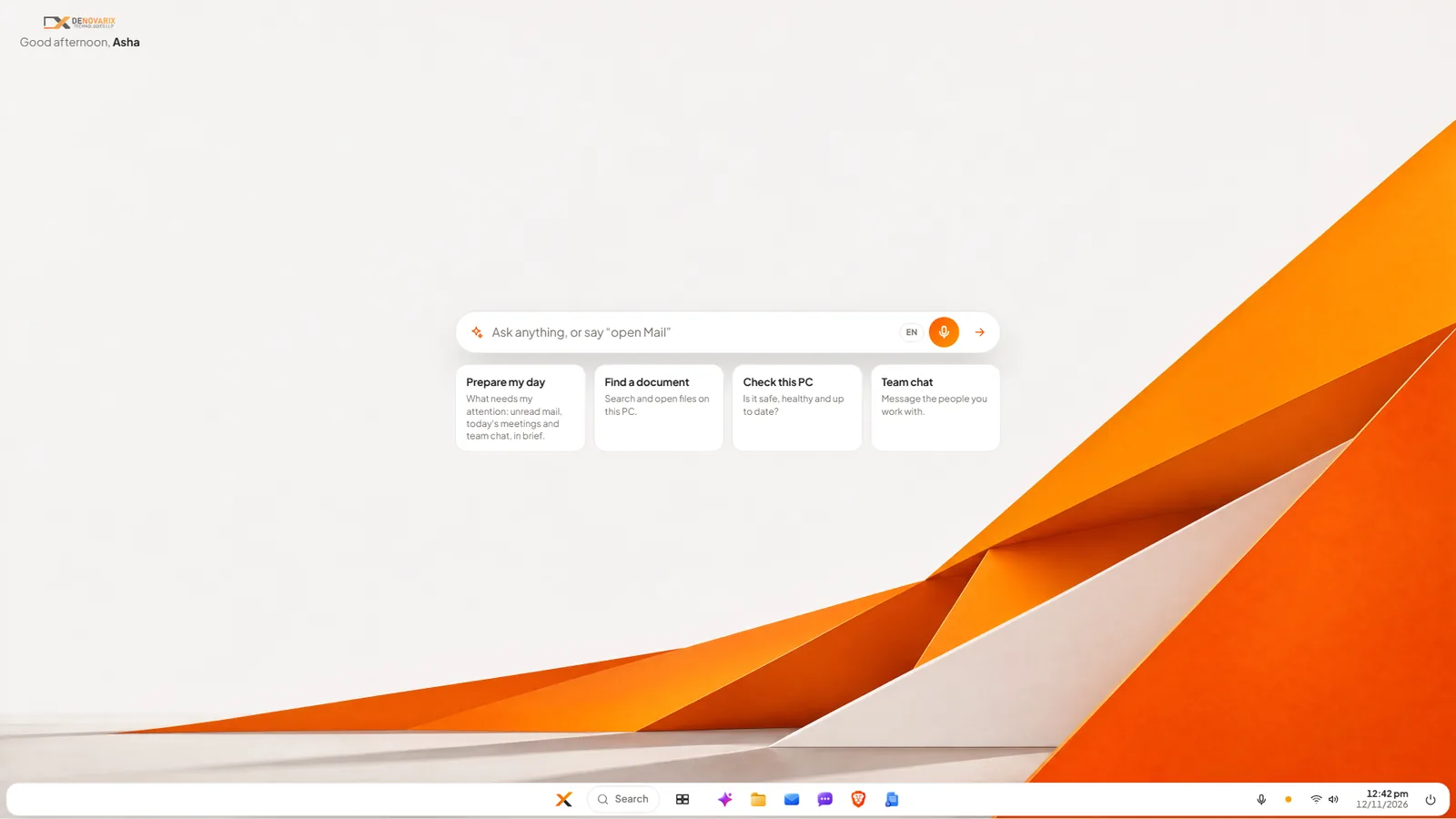
If you want to test this on the very machines Windows 11 rejected, that is what the beta programme is for. Our walk-through of the DNX OS desktop shows what your staff would see, and DNX Office explains the file-compatibility test to run first.
How should a company dispose of old computers in India?
Not through the scrap dealer, for two reasons.
The first is data. A disk that was never encrypted can be read by whoever ends up with it. Wipe or destroy the disks, and record that you did. Our guide to full-disk encryption and device management explains why encryption makes this far easier.
The second is the law. India's E-Waste (Management) Rules, 2022 came into effect on 1 April 2023. According to a summary by the law firm Shardul Amarchand Mangaldas, they define a bulk consumer as an entity that has used at least one thousand units of listed electrical and electronic equipment in a financial year, and require a bulk consumer to hand over e-waste "only to registered producer, refurbisher or recycler". A small company may fall below that threshold, but using a registered recycler and keeping the receipt is the right practice at any size. The rules have been amended since 2023, so confirm the current position with your compliance adviser.
What should you do this month?
- List every PC with its age, RAM, disk type and what it is used for.
- Run PC Health Check on each one.
- Mark the machines that run Windows-only software.
- Put each PC in one of the five groups above.
- Get an ESU quote only for the machines that truly need it.
- Decide how disks will be wiped and who the registered recycler is.
Sources
All sources were opened on 12 November 2026.
- Microsoft, End of support for Windows 10: the end date and what stopped.
- Microsoft Learn, Extended Security Updates (ESU) program for Windows 10, page dated 17 November 2025: price, doubling, cumulative years, limits, version 22H2.
- Microsoft Tech Community, When to use Windows 10 Extended Security Updates, updated 25 June 2025: the discounted licence for cloud-managed devices.
- Microsoft, Windows 10 Consumer Extended Security Updates: consumer programme end date and which devices are not eligible.
- Microsoft, Windows 11 specifications and system requirements: minimum hardware.
- Shardul Amarchand Mangaldas, E-Waste (Management) Rules, 2022: an overview, 12 April 2023: effective date and bulk consumer duties. This is a law firm's summary, not the Gazette text, and predates later amendments.
Keep reading

Office and AI subscriptions cost more: what changed
Microsoft 365 business prices rose from 1 July 2026 and AI is now bundled into office suites. What changed, what it means at renewal, and how to respond.
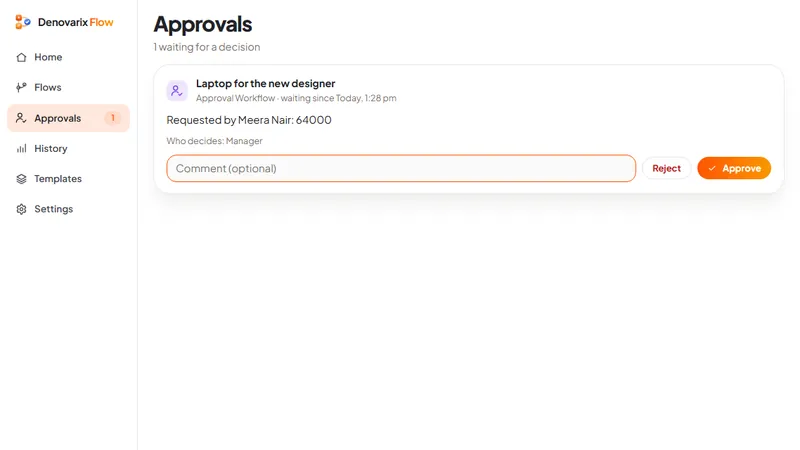
AI agents at work: why every action needs approval
AI agents can now click, type and send on your behalf. What the vendors and security bodies say about the risks in 2026, and the approval rules a company needs.
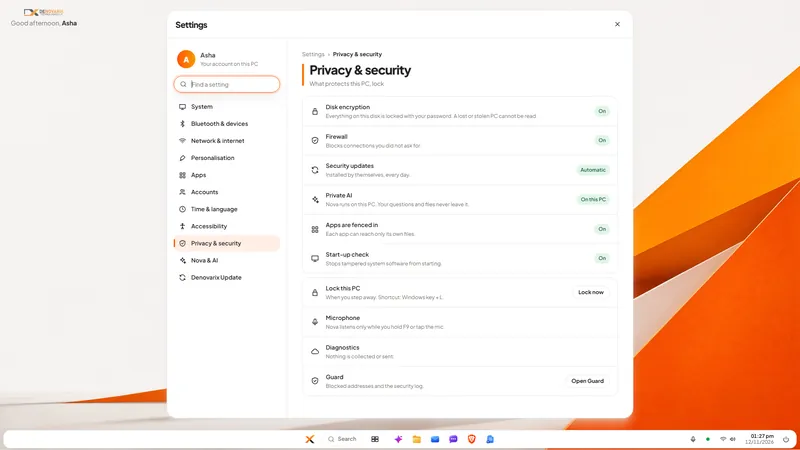
Where is your AI processed? Data residency in India
AI data residency in India in 2026: what the DPDP Rules require, what Microsoft and Google say about in-country AI processing, and what to ask your vendor.