
Vendor lock-in: how to choose software you can leave
Vendor lock-in explained for business owners: five ways software traps a company, a test to run before you buy, and how to keep an exit open with any tool.
Part of the guide: Replacing the vendor stack: office, HR, chat and cost

The short answer: vendor lock-in is when leaving a software product would cost you so much, in lost data, retraining or broken processes, that you stay even when the price rises or the service declines. You avoid it at the moment of buying, not at the moment of leaving. Before you commit, check three things: that your data comes out complete and in a standard format, that your files open in other products, and that the contract lets you go. Then test the exit once, while you still do not need it.
What is vendor lock-in?
Every product creates some switching cost. People learn it, data accumulates in it, other tools get connected to it. That is normal and not a trap.
It becomes lock-in when the cost of switching is high enough to change your behaviour: you accept a price increase you would otherwise refuse, or tolerate a problem you would otherwise walk away from. The vendor knows this, and it shapes how they treat an existing customer compared with a new one.
The uncomfortable part is that lock-in feels like nothing until the day you want to leave. It builds one convenient feature at a time.
How does software lock a company in?
There are five mechanisms. Most products use more than one.
| Mechanism | How it works | The sign to watch for |
|---|---|---|
| Data you cannot get out | Export is missing, partial, or in a format only the vendor reads | "Export" gives you a PDF or a summary, not the records |
| Proprietary formats | Files only open properly in the vendor's own product | Opening the file elsewhere loses layout, formulas or history |
| Integrations and automation | Workflows, scripts and connections built on the vendor's platform do not move | Your processes are described in the vendor's vocabulary |
| Identity | Everyone signs in to everything through one vendor's account | Leaving the vendor means re-issuing every login |
| Contract and pricing | Long terms, auto-renewal, bundle discounts that vanish if you drop one part | The discount depends on taking things you did not ask for |
Data is the most serious. A product that holds five years of your invoices, employee records or customer history and cannot hand them back in usable form effectively owns them. Note the difference between a report and an export. A PDF of your payroll register is a picture of your data. A CSV with every field is your data.
Formats are the most familiar. The reason so many companies stay with one office suite is that their documents and their clients' documents are in its formats. A suite that reads and writes those formats faithfully lowers the wall. We compare the main ones in Microsoft 365 vs Google Workspace vs Zoho One.
Integrations are the slowest to form and the hardest to see. Each automation saves time, and each is written for one platform. After three years the company runs on fifty small workflows nobody has listed.
Identity is underestimated. If one vendor's account is the key to mail, files, HR and every third-party tool, that vendor is no longer a supplier. It is the front door.
Contracts do the rest. Auto-renewal with a short cancellation window, and bundles priced so that removing one product costs more than keeping it.
What should you check before you buy?
Ask the vendor these questions in writing, and keep the replies. Specific answers are a good sign. "We will get back to you" on question one is an answer too.
- Can we export all our data, ourselves, at any time, without raising a ticket?
- In what format? Look for open, documented formats: CSV, JSON, XML, or standard document formats. Ask to see a sample export.
- Does the export include everything? Attachments, comments, history, audit logs and deleted items, not only the current records.
- Do files created in the product open correctly in other products? Test with your own real files.
- Is there a charge to leave, or to get the data out?
- How long do we keep access after cancelling, and when is our data deleted from your systems?
- What is the renewal term and notice period? Write the date in your calendar the day you sign.
- What happens to our price if we remove one product from the bundle?
- Where is the data stored, and can we choose? This matters for the duties in our DPDP Act checklist.
- If your company is sold or shuts the product down, what are we entitled to?
How do you test an exit before you need one?
A promise of portability is worth what the last test showed. Once a year, for each system that holds records you could not rebuild, do a short drill.
- Export everything, using only what an ordinary administrator can do.
- Open the export somewhere else: a spreadsheet, a database, or a trial account of a competing product.
- Check three records in detail against the original. Are the dates, amounts and attachments all there?
- Note how long it took and what was missing.
- Keep the export as a dated backup. You have now also improved your disaster recovery.
This takes an hour or two per system. It is the only way to find out, cheaply, what leaving would really involve. It also changes the conversation at renewal, because a vendor negotiates differently with a customer who can go.
Is some lock-in worth accepting?
Yes. Avoiding all dependence is neither possible nor sensible. A specialised product that does its job far better than the alternatives can be worth the commitment, and the time saved by a deep integration is real.
The aim is to choose your dependencies with open eyes. A useful rule: accept lock-in on features, but not on data. If the product is excellent and you can still walk out with every record in a standard format, you have a supplier. If you cannot, you have a landlord.
The same caution applies to AI assistants, which are becoming the newest source of lock-in: prompts, custom assistants and knowledge bases built inside one vendor's service rarely move to another.
Does owning the system remove lock-in?
It changes the shape of it. Software that runs on your own machines, keeps data in standard formats and can be inspected removes the hardest forms: nobody can raise the rent on your own records, or switch them off.
That is one of the reasons we are building DNX OS the way we are. DNX Word, DNX Sheets and DNX Presentation open and save Word, Excel and PowerPoint files by default, so your documents are never in a format only we can read. Your data lives on your own machines and a hub you host, not in our cloud. Every component is open to inspection.
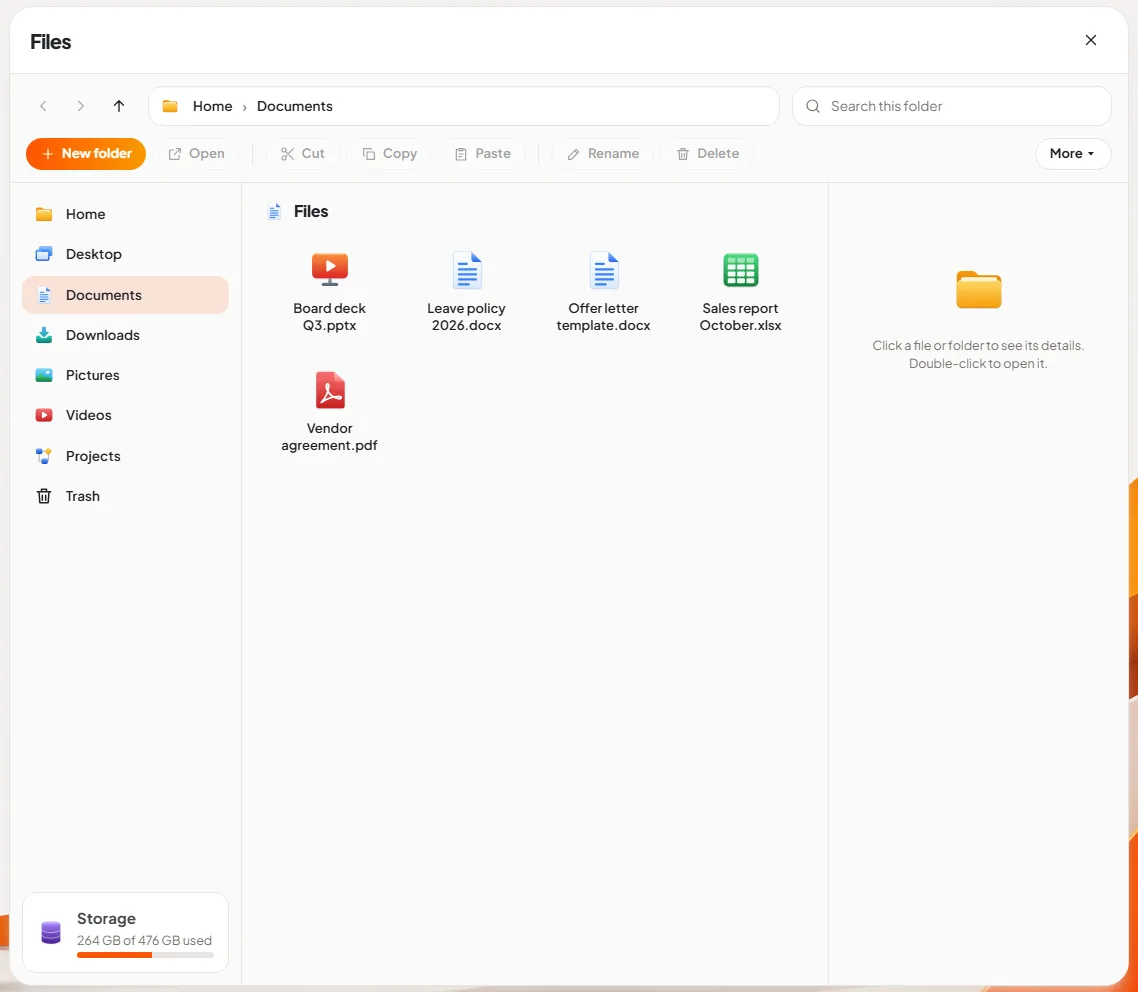
It would be wrong to say that makes you independent of us. Choosing any operating system is a commitment, to its apps, its way of working and the people who maintain it. So ask us the ten questions above as well. We would rather win a customer who checked.
Keep reading
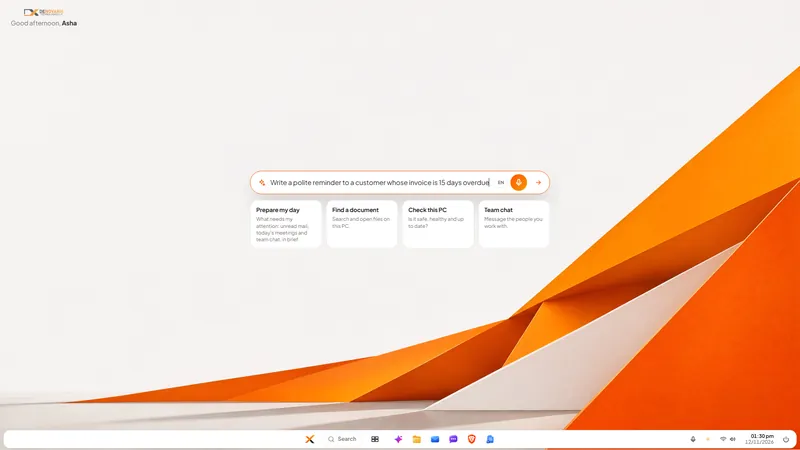
Nova AI: a private AI assistant for office work
Nova is the private AI assistant built into DNX OS. It runs on the office PC itself, so questions and files stay there. See it at work in six real screens.
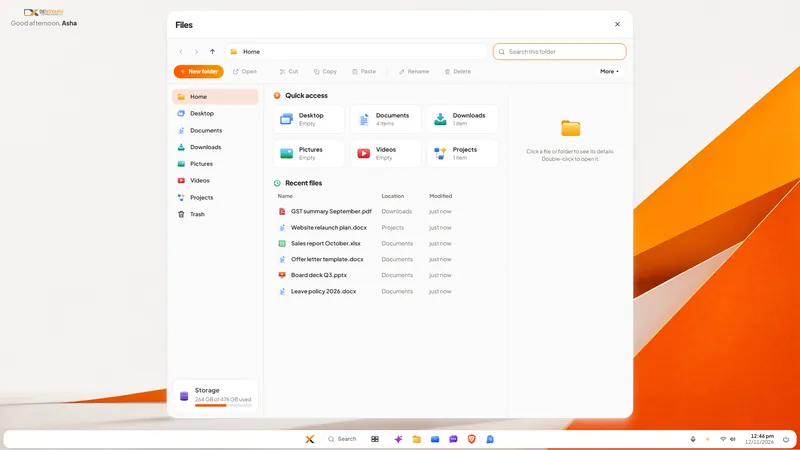
DNX Files: find and tidy company documents fast
DNX Files is the file manager in DNX OS: folders, search, a Trash you can undo, and Nova to summarise a document or tidy a folder. Seven real screens show it.
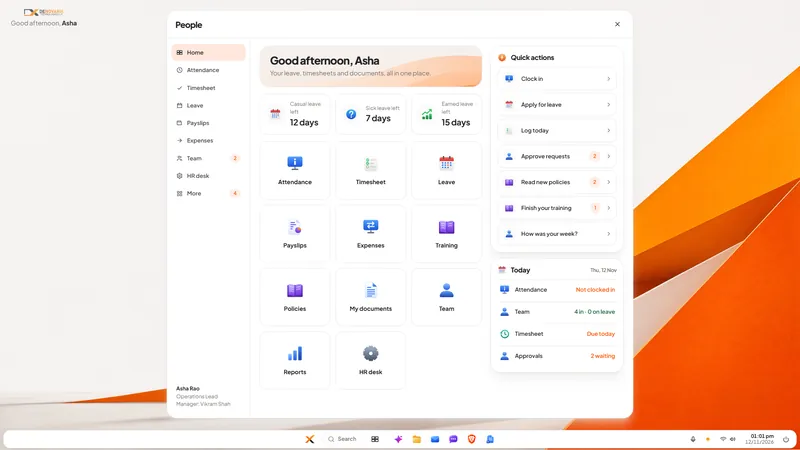
DNX People: HR and leave software for small companies
DNX People handles leave, attendance, timesheets, payslips and expenses for a small Indian company, on a server you host. Eight real screens show how it works.