
Shadow AI: staff, ChatGPT and a policy that works
Employees are pasting company data into ChatGPT and other AI tools. Here is what shadow AI is, the real risks, and a one-page AI policy you can adopt today.
Part of the guide: Private and on-device AI for business: a guide

The short answer: shadow AI is the use of AI tools at work that the company has not approved and cannot see. You will not stop it by banning it, because people use these tools to get real work done faster. What works is three things together: a short list of what must never be pasted into an outside AI tool, an approved tool that is as convenient as the unapproved ones, and a rule that a named person stays responsible for anything the AI produces.
What is shadow AI?
It is the newest form of an old habit. Ten years ago staff put company files in personal Dropbox accounts because the office file server was slow. Today an accounts executive pastes a ledger into a chatbot to find the error, a salesperson uploads a client's requirements to draft a proposal, and an HR manager asks an AI to rewrite a warning letter with the employee's name in it.
Nobody in those examples is being careless in their own mind. They are being efficient. That is exactly why it is hard to see and hard to stop: it looks like diligence.
It becomes "shadow" when three things are true. The company did not choose the tool. The account belongs to the employee, not the company. And nobody could tell you afterwards what was shared.
What actually goes wrong when staff paste data into an AI tool?
It helps to be precise, because vague fear produces vague policies.
The data has left, and you cannot get it back. Whatever the provider's terms say about training, a copy of your client's contract now sits on a server you do not control, tied to a personal account. If that employee leaves, the conversation history leaves with them.
You may have broken a promise. Most client contracts and NDAs say you will not disclose their information to third parties. An AI provider is a third party. So is the provider of a browser extension that reads every page to "summarise" it.
Personal data creates legal duties. Salary details, Aadhaar numbers, patient records and customer phone numbers are personal data. Under the DPDP Act you are responsible for how they are processed, including by tools your staff chose without asking. Our DPDP checklist explains those duties.
The answer may be wrong, and nobody checks. AI tools produce fluent, confident text. A wrong GST rate or an invented clause in a contract looks exactly like a right one. When the tool is unofficial, there is no review step, because officially it was never used.
There is no record. If a dispute arises about what was sent to a client, you cannot reconstruct which parts a person wrote and which a machine suggested.
Why does banning AI tools not work?
Because the demand is real. If AI saves someone an hour a day, a memo will not make them give that hour back. They will use their phone instead of the office laptop, and you will have traded a visible risk for an invisible one.
Blocking websites at the firewall has the same weakness, with an added cost: your most capable people conclude that the company is behind, and they are the ones with options.
A ban works only for a narrow list of things that must never happen. Everything else needs a path that is both allowed and easy.
What should an AI policy for employees say?
One page. If it runs to ten, nobody will read it and you will be back where you started. The policy needs to answer four questions for an employee in a hurry.
1. What must never go into an outside AI tool?
Name the categories plainly, with examples from your own business.
| Never paste or upload | Examples |
|---|---|
| Personal data | Salary sheets, Aadhaar and PAN numbers, customer contact lists, medical details |
| Client confidential material | Contracts, drawings, financials, anything under an NDA |
| Credentials | Passwords, API keys, bank login details, OTPs |
| Unpublished company financials | Management accounts, pricing models, bids before submission |
| Source code and designs | Anything that is the company's own intellectual property |
2. Which tools are approved, and for what?
List them by name. Say which account to use: always the company's, never a personal one. If you have not approved any tool yet, say so and give a date by which you will.
3. Who is responsible for the output?
The person who sends it. AI drafts; a human checks facts, figures and names, and signs. Anything binding, such as a contract, a statutory filing or a letter to an employee, is reviewed by a second person as it would be if a junior had drafted it.
4. What do I do if I have already shared something I should not have?
Tell a named person, without penalty for an honest report. You want to hear about it. A policy that punishes disclosure guarantees silence.
How do you roll the policy out without it being ignored?
- Ask, without blame, which AI tools people already use and for what. An anonymous form gets truer answers.
- Pick the two or three most common tasks and decide the approved way to do each.
- Write the one-page policy using the four questions above.
- Walk every team through it in fifteen minutes, with examples from their own work.
- Turn on the admin controls you already pay for: company accounts, sign-in logs, and data controls in your office suite.
- Review after ninety days. Ask what the policy stopped people doing, and fix the approved route rather than loosening the rule.
The fifth step is often skipped. Many companies already have controls in their existing subscriptions that nobody has switched on.
Can the problem be designed out instead of policed?
Partly, yes. Shadow AI exists because the convenient tool is outside the company and the safe tool is absent. Close that gap and most of the risky behaviour stops by itself, because people take the shortest path.
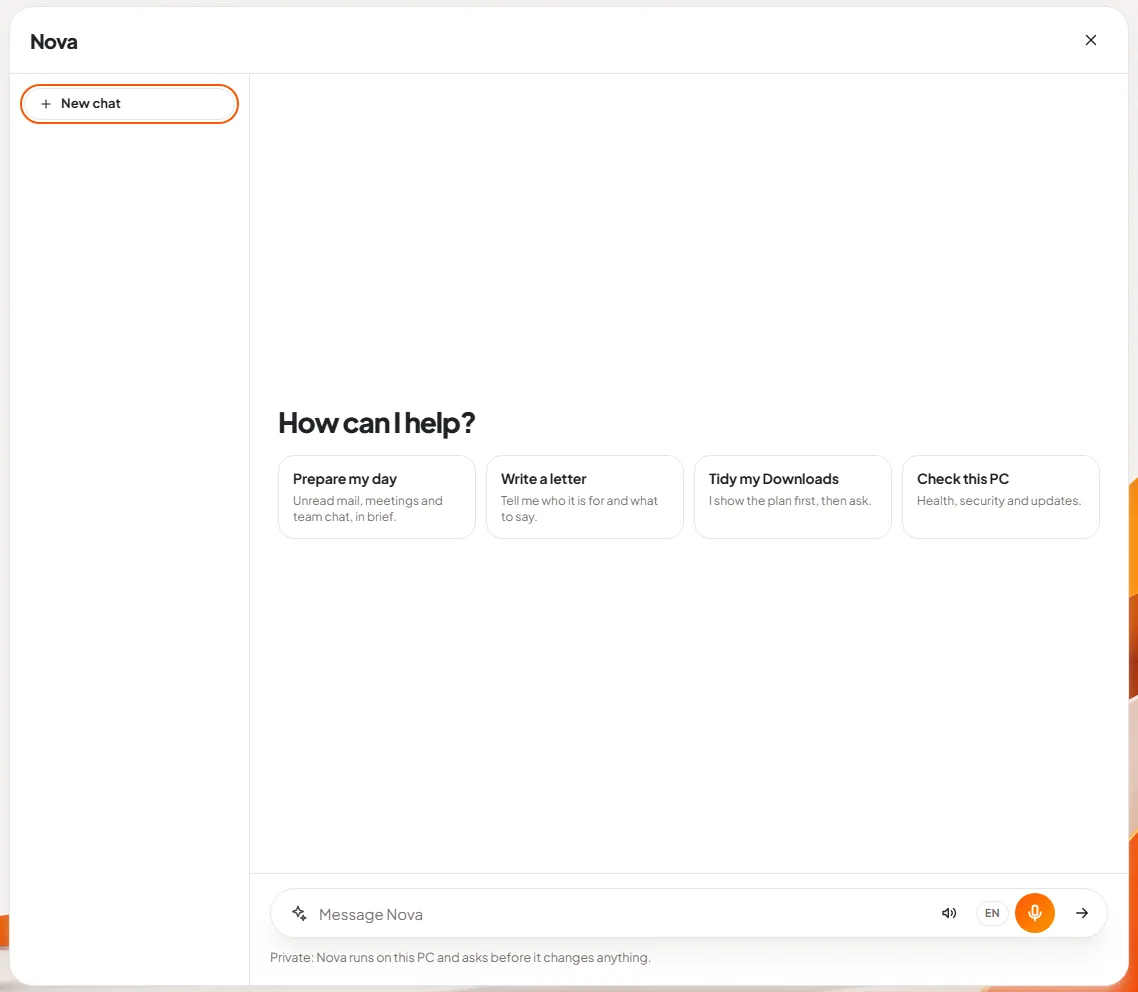
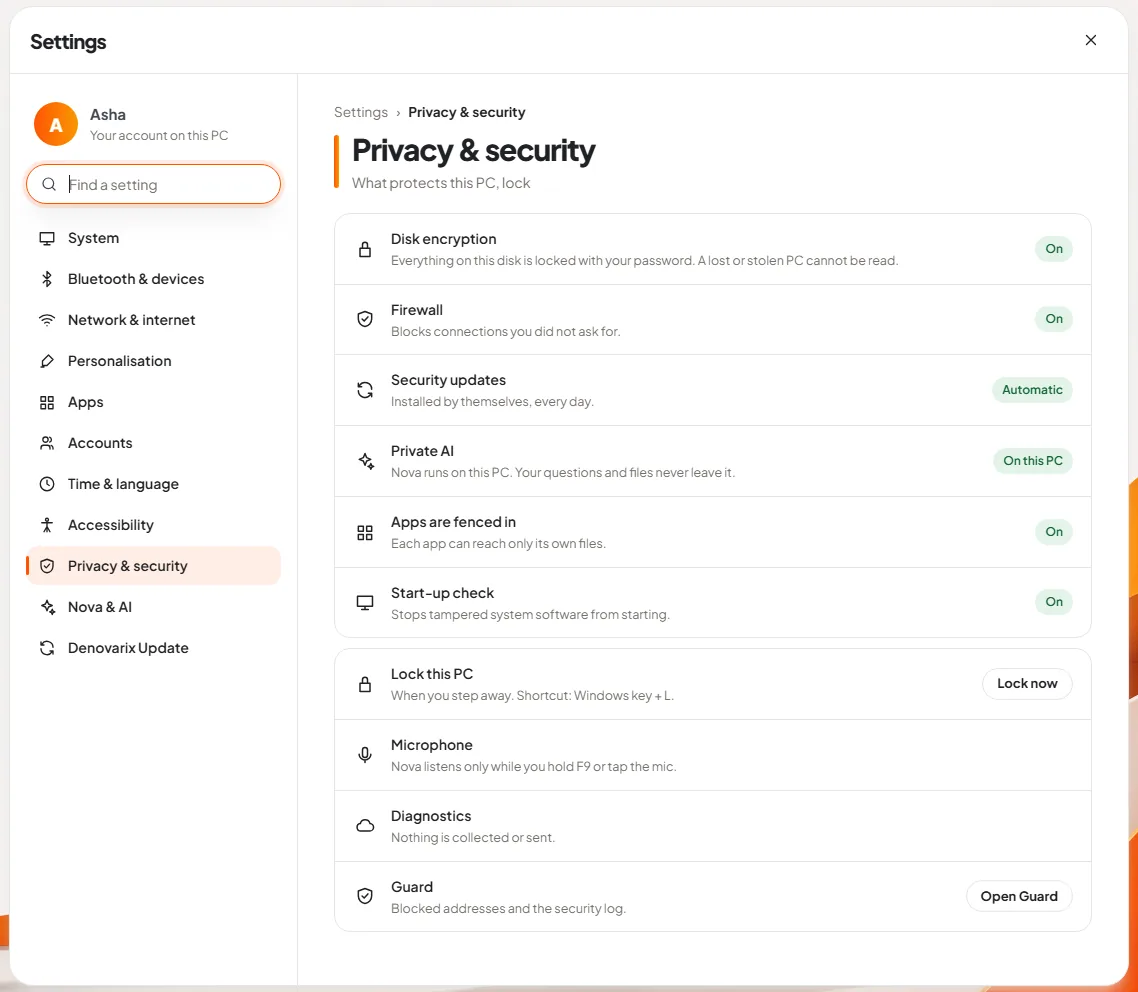
The strongest version of this is an AI that runs where the data already is. If the assistant runs on the employee's own laptop and has no connection to the internet, pasting a salary sheet into it discloses nothing to anyone. The question "what may I paste?" mostly disappears. The article on sovereign and private AI explains the levels in between.
This is the approach we have taken with DNX OS: Nova, its assistant, runs on the device, sits inside the office apps people already have open, shows what it is about to do and waits for a yes before it changes anything. You do not need our product to apply the principle, though. Whatever you choose, make the approved tool the easy one.
You still need the policy. A person remains responsible for the output wherever the AI runs. But a policy that asks people to do the convenient thing is one they follow.
Keep reading

DPDP Act checklist: where does your company's data live?
A plain DPDP Act checklist for Indian businesses: what the law expects, why you must know where personal data lives, and twelve steps to get ready in time.

Sovereign AI and private AI: what they mean in India
Sovereign AI and private AI explained for Indian business owners: who controls the model, where your data goes, and five questions to ask any AI vendor.

What software really costs a 25-person company in India
A worked example of what a 25-person Indian company pays for software subscriptions in a year, with illustrative prices, hidden costs and ways to cut the bill.